How can I create an AI interior design?
Upload a photo of your space, describe the change you want, and Cankar AI will generate an interior design proposal based on your image.
Cankar AI
Upload a photo of your room, choose a space or style, and get an AI interior visualisation before buying furniture, choosing wall colours or starting a renovation.
Your first image is free. After registering, you get another 1 credit.
Before
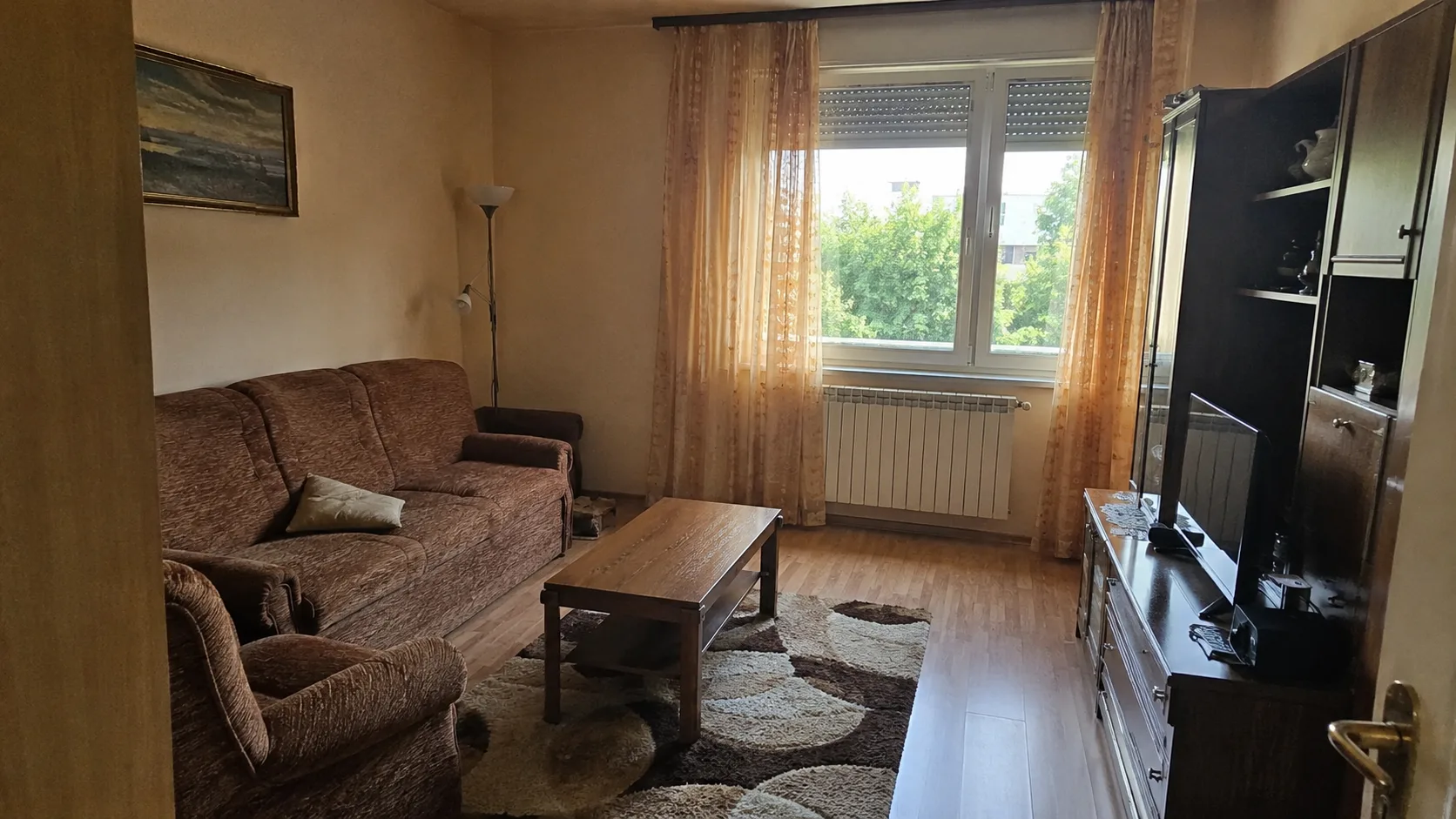
After
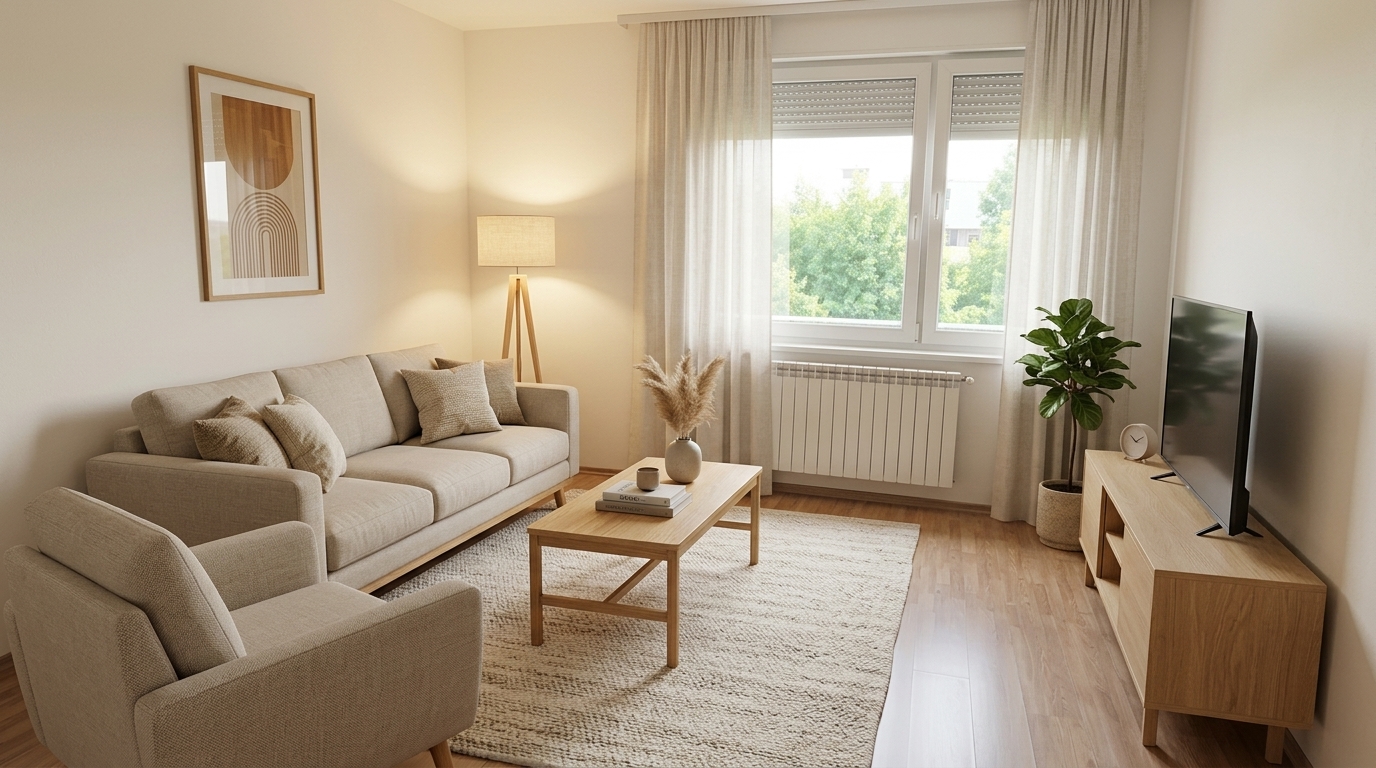
Cankar AI is not a generic interior-design service. It is a fast design tool: a photo of your space, a description of the change, and a visualisation before you spend.
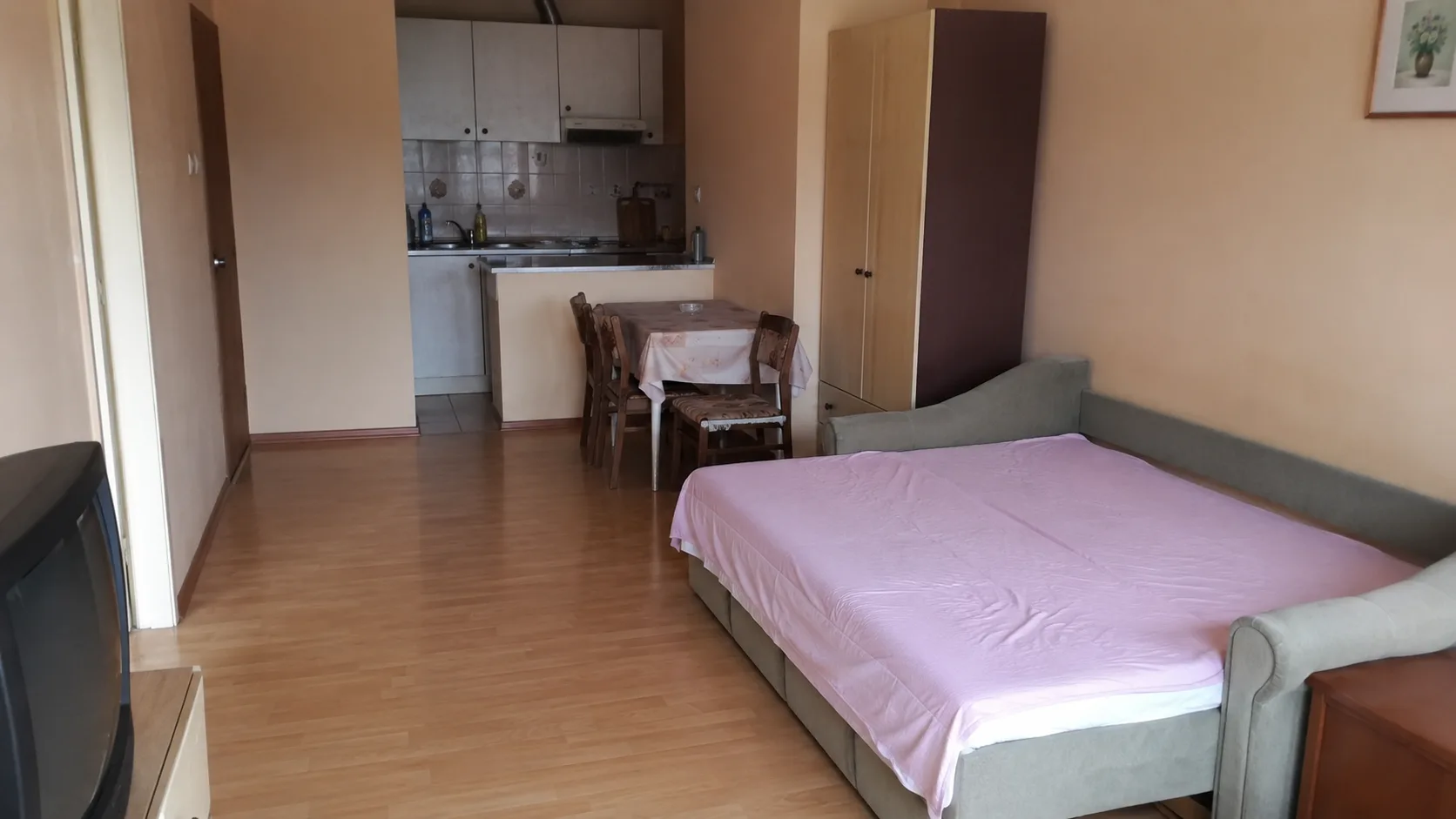
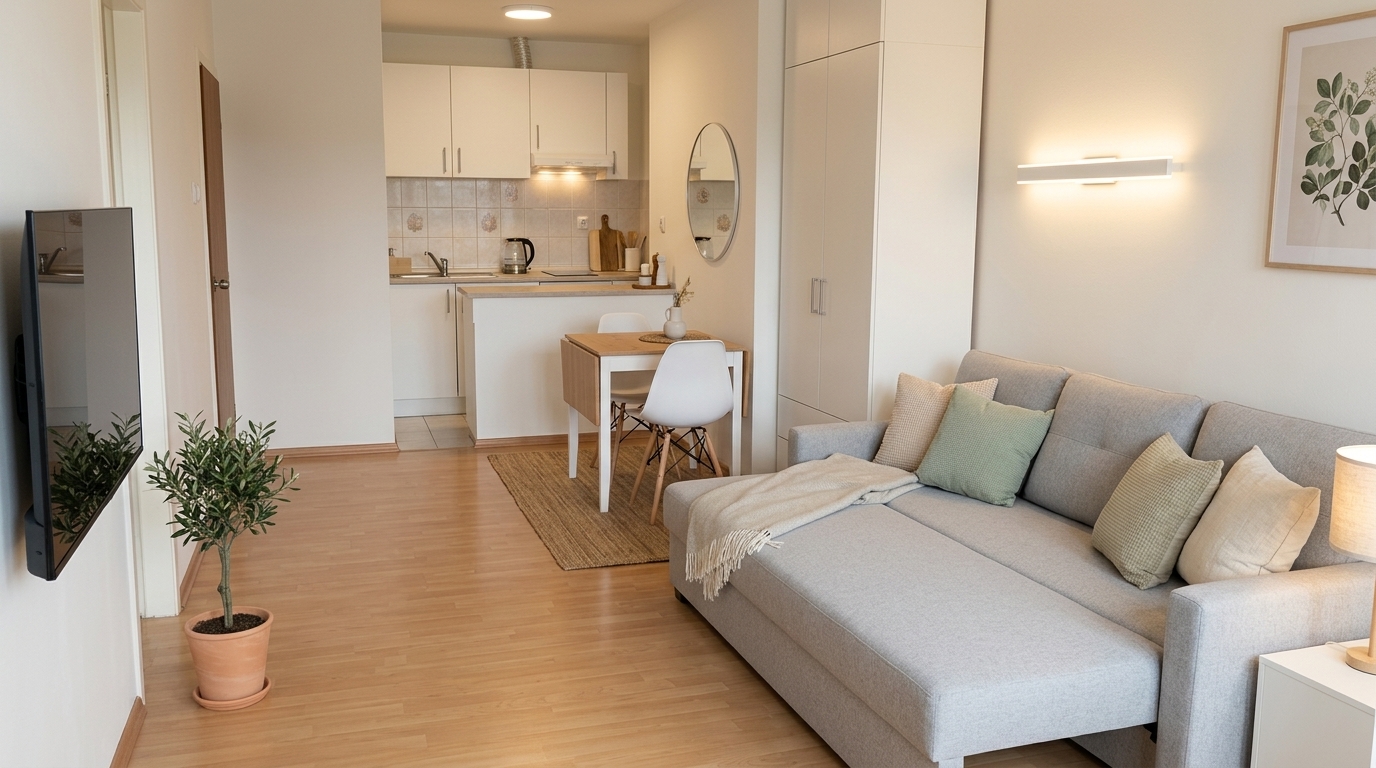
Try a new sofa, TV unit, rug, curtains, lighting, wall colour or an entirely different living-room style.
Compare cabinet fronts, worktops, tiles, wall colours, lighting or a more contemporary kitchen before ordering units.
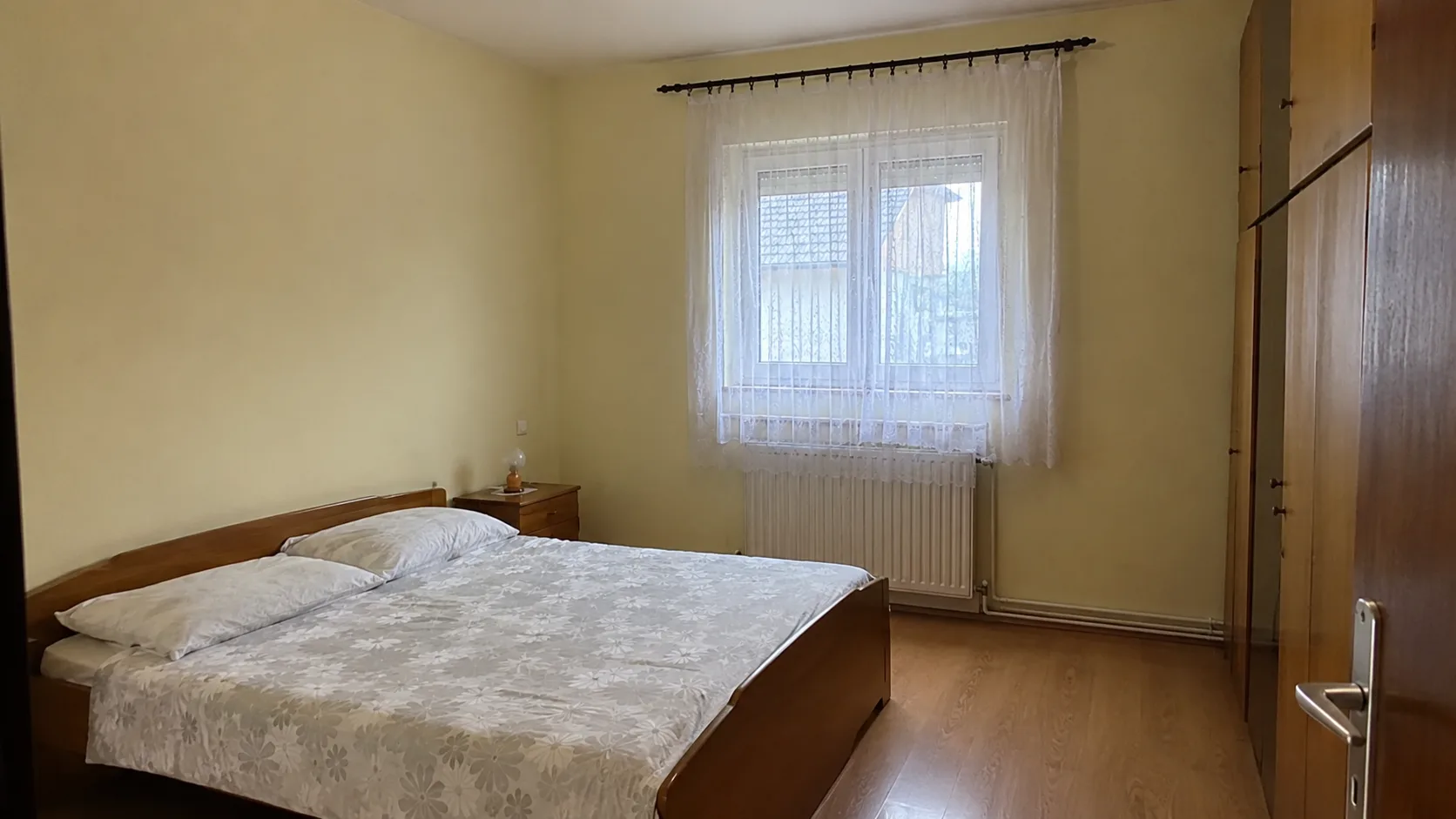
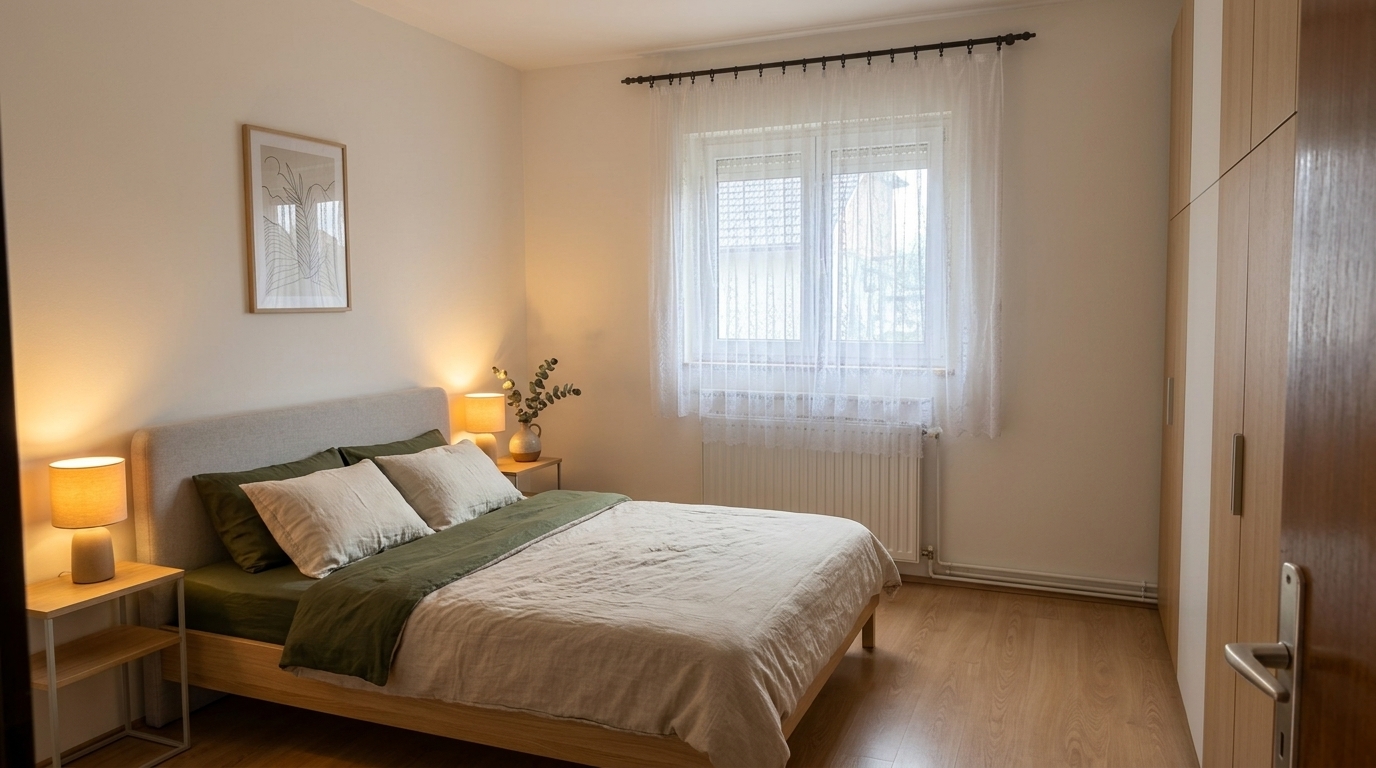
Visualise a bed, wardrobes, bedside tables, curtains, lighting and a calmer colour palette for your bedroom.
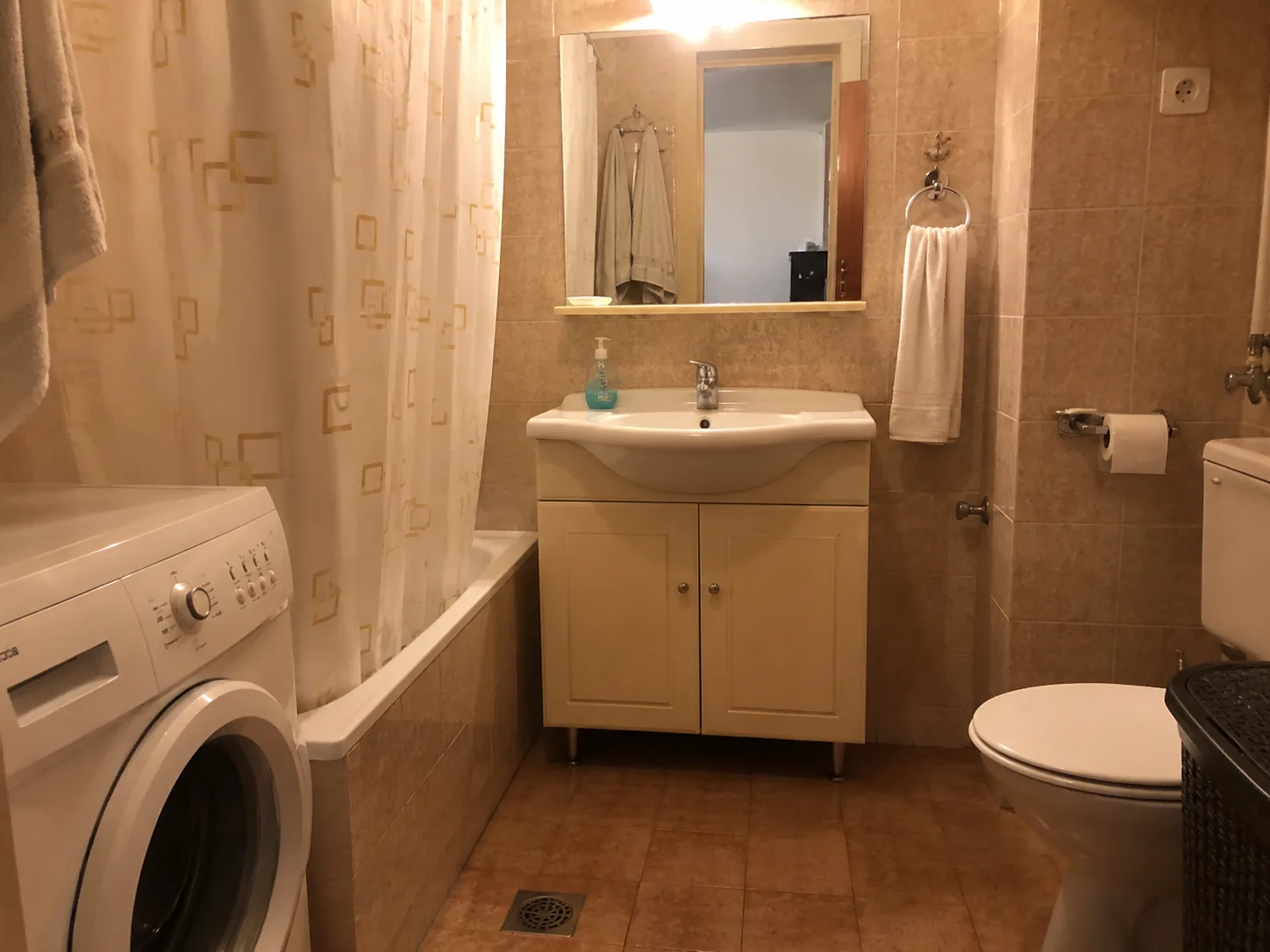
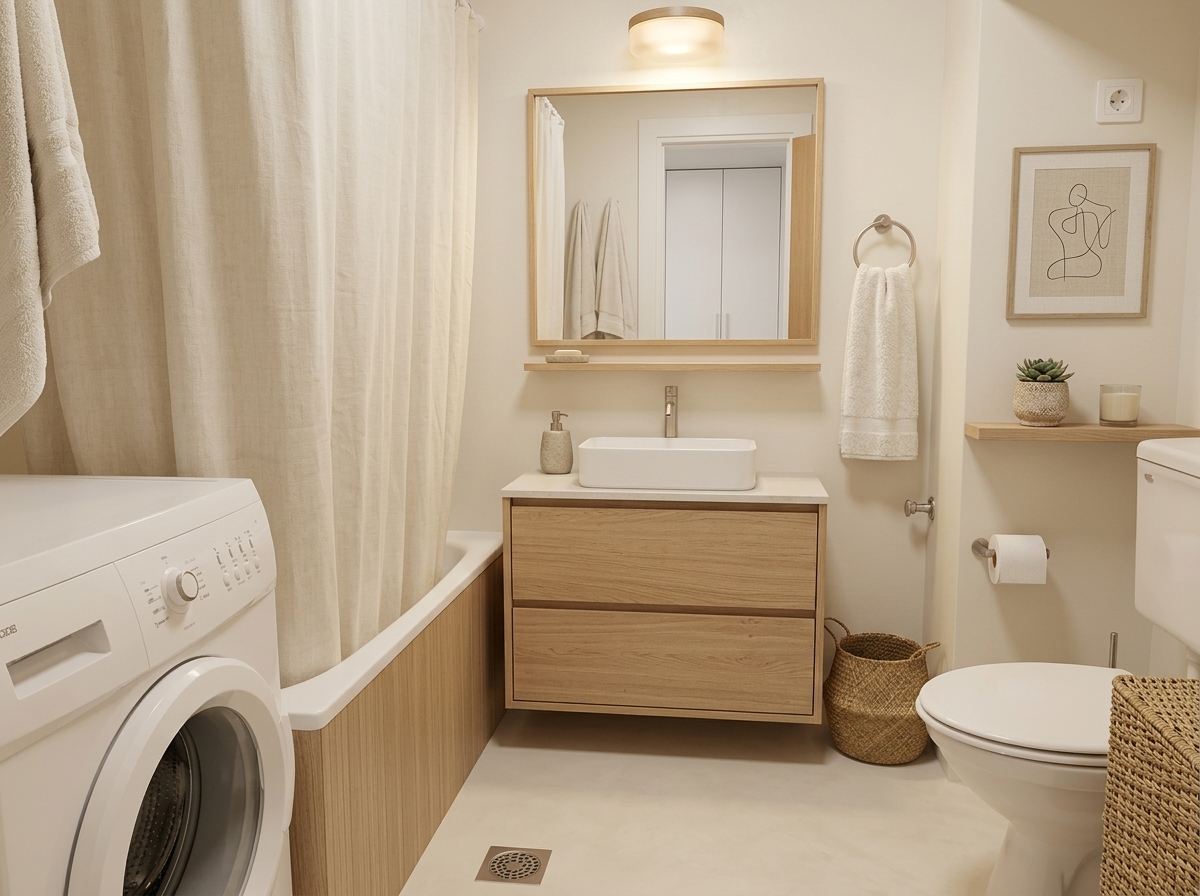
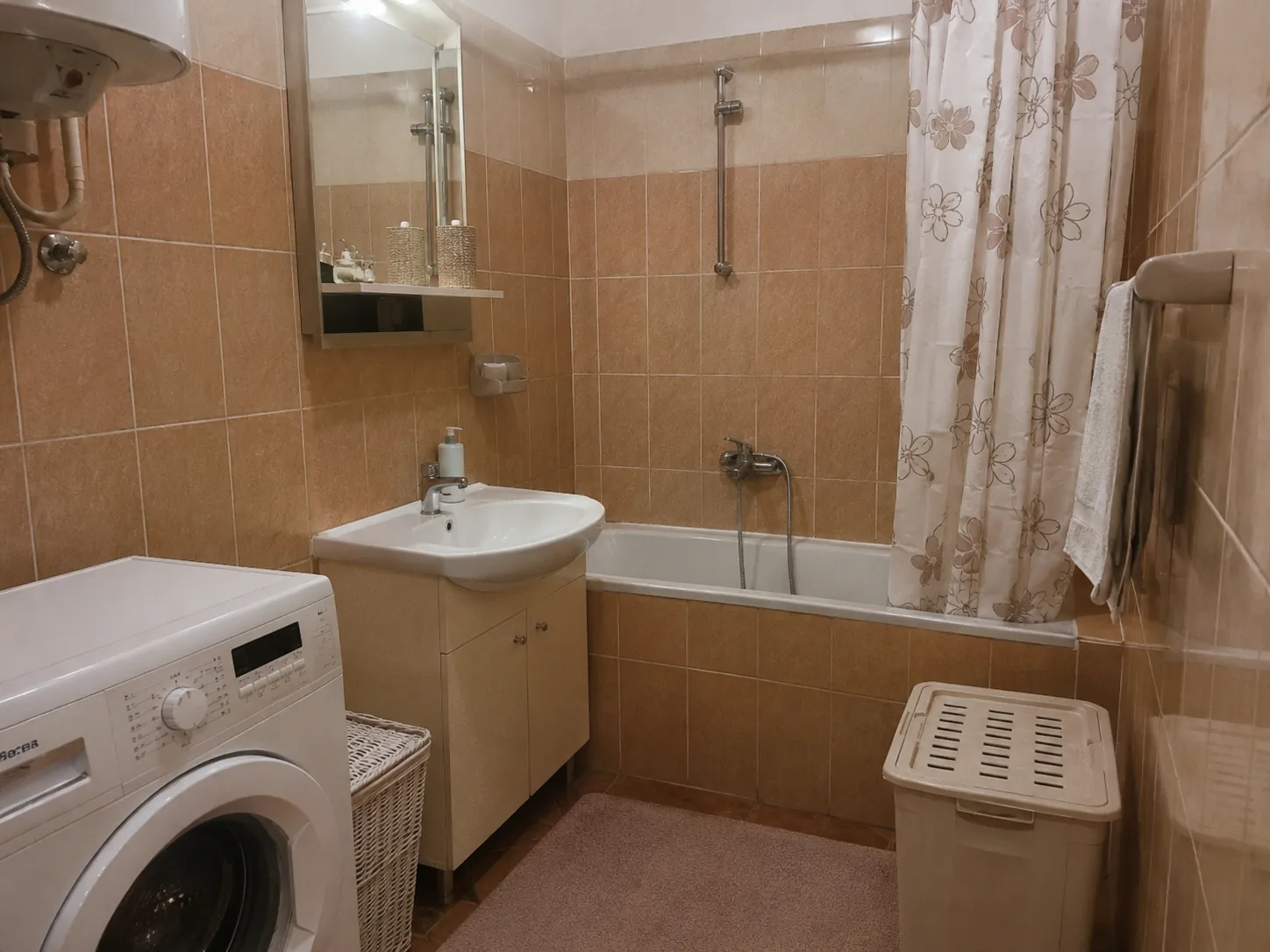
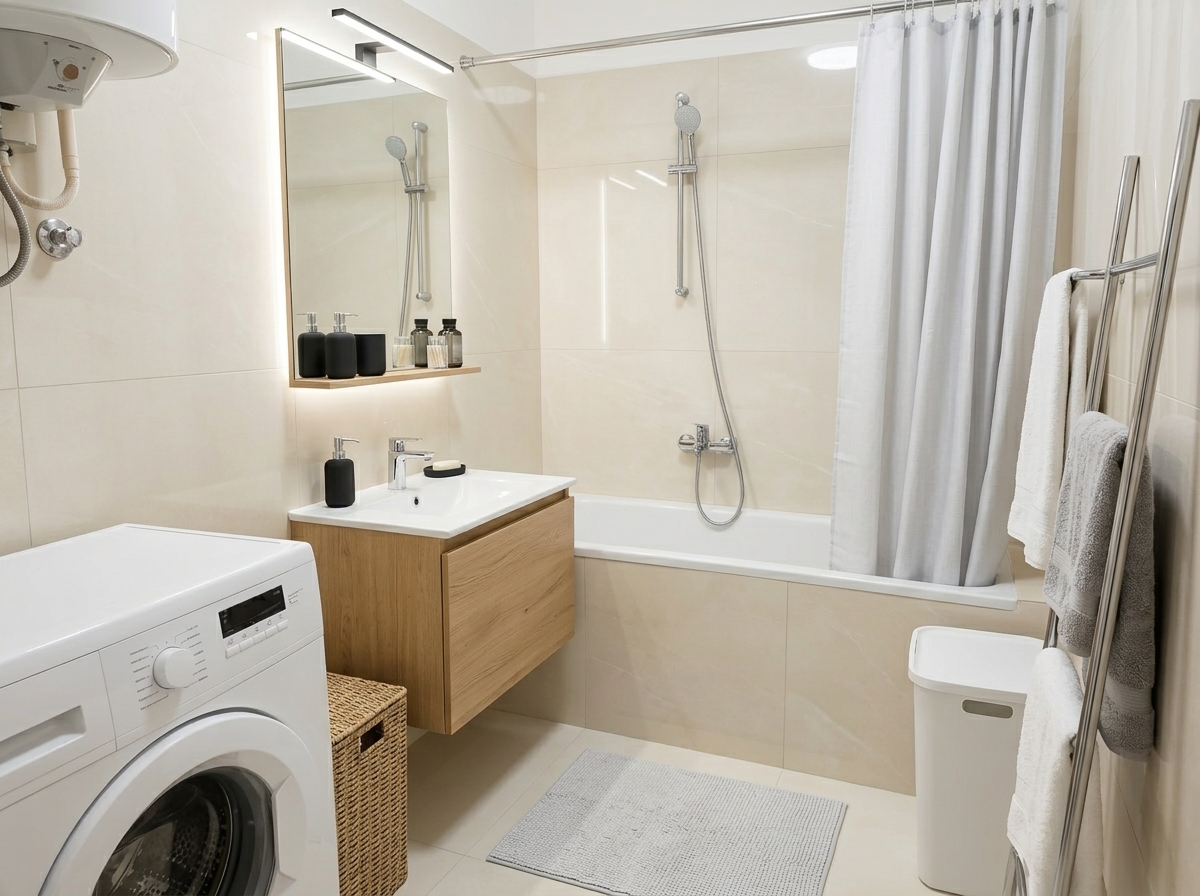
Test tiles, a basin, mirror, shower, bath, bathroom furniture and lighting before renovating.
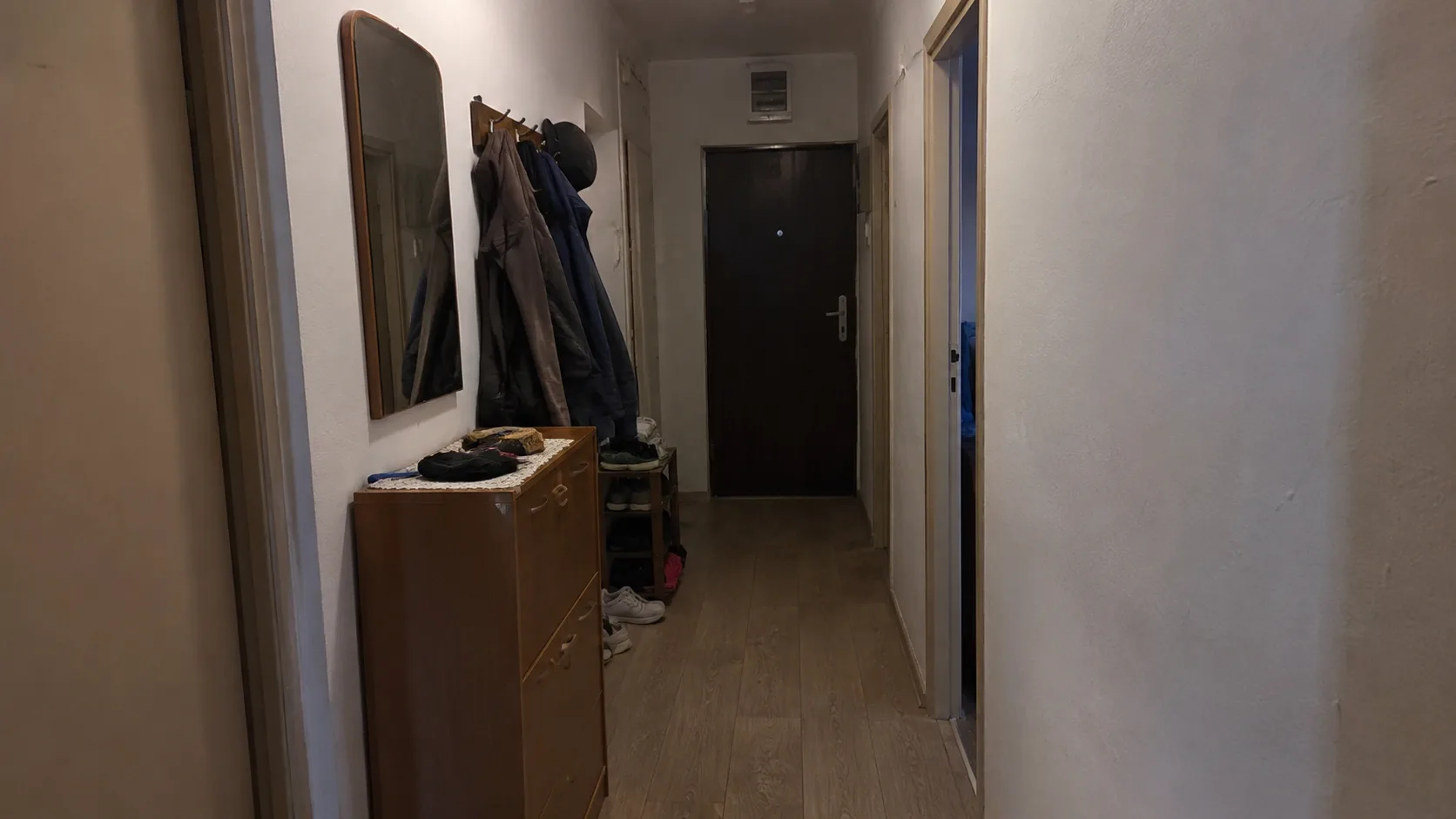
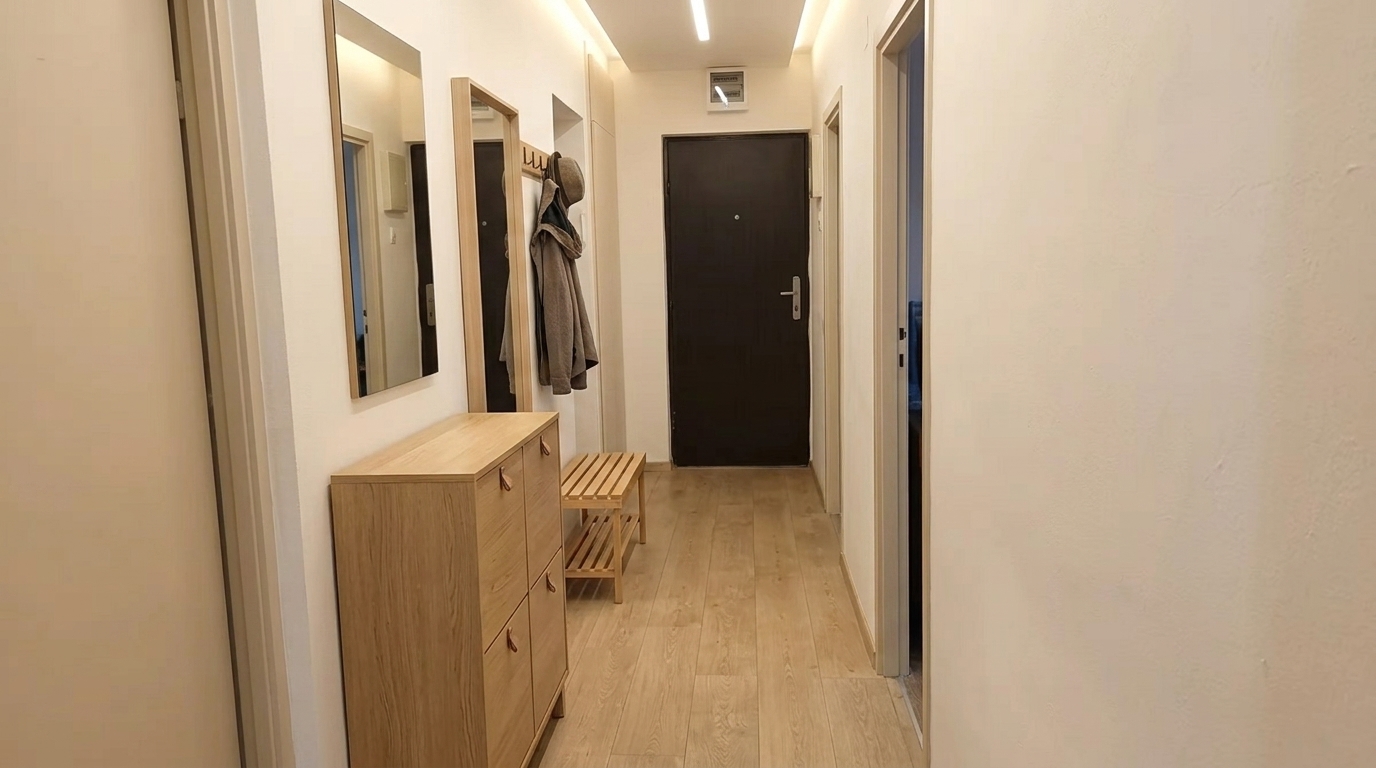
Get ideas for a narrow or dark hallway: shoe storage, hooks, a mirror, better lighting and wall colour.
Try layouts for a small flat or holiday let where one space needs to work for sleeping, living, cooking and renting.
Before
After
Before
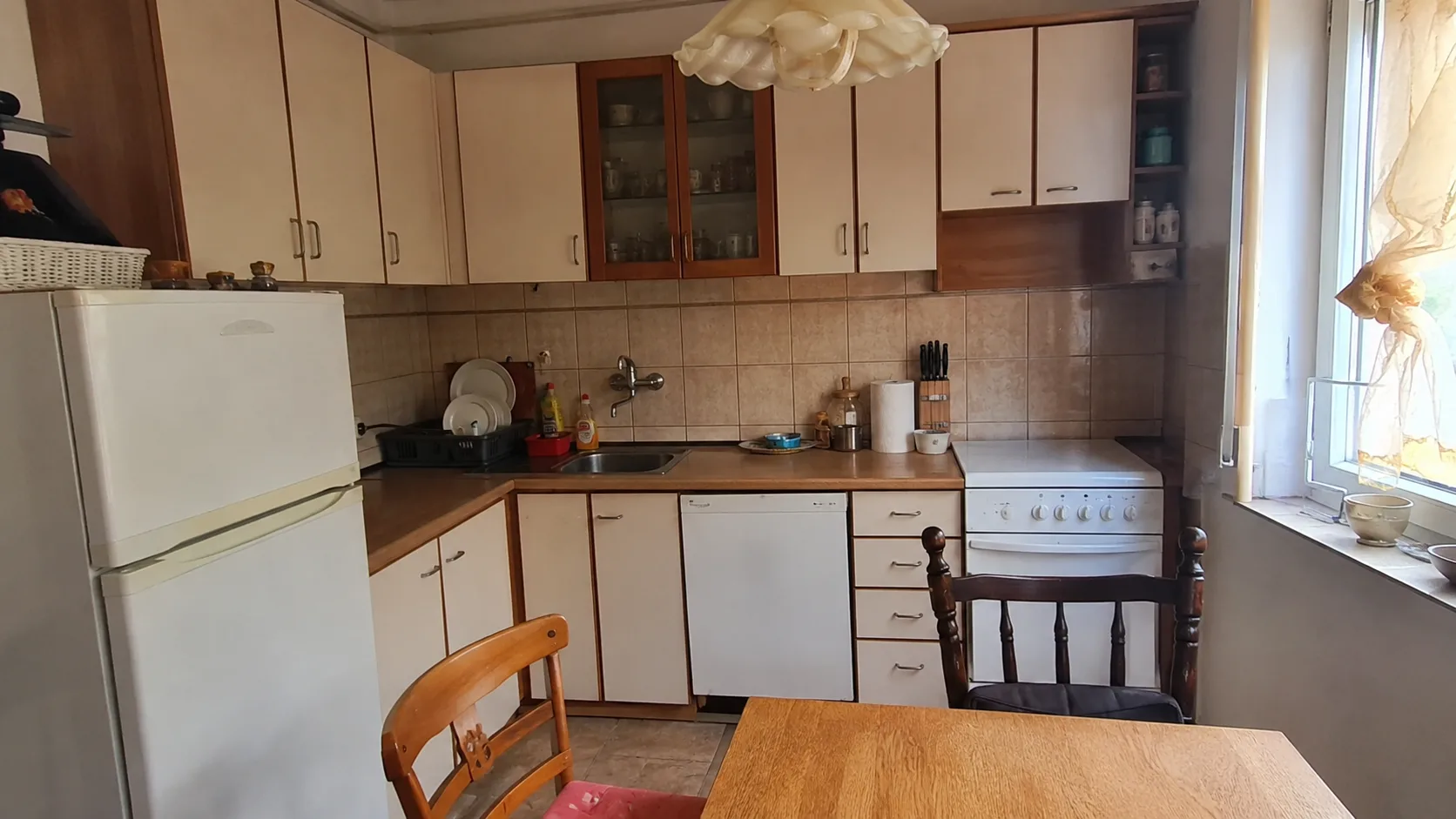
After
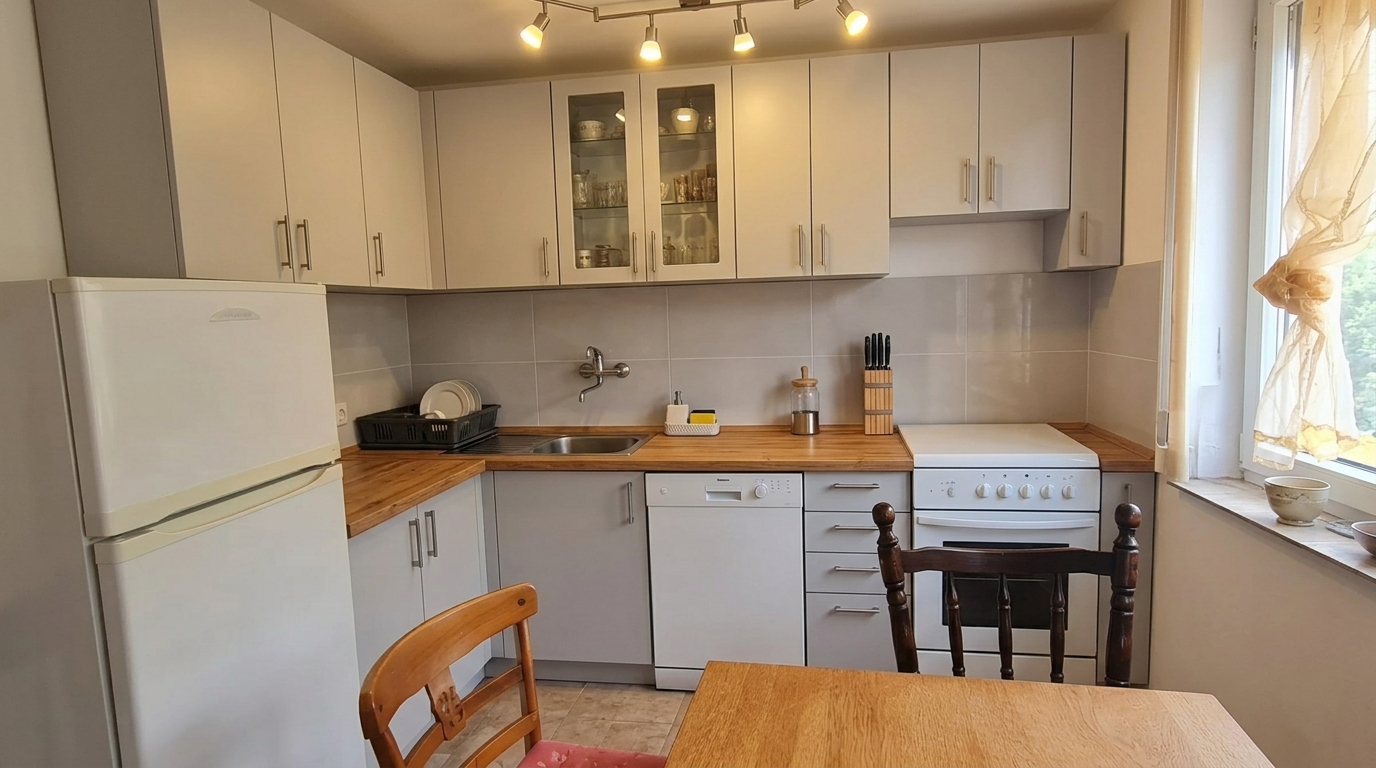
Before
After
Before
After
Before
After
Before
After
Before
After
You do not need a drawing or accurate 3D model. A photo of your existing room and a short description of what you want to change are enough.
Add the living room, kitchen, bedroom, bathroom, hallway, small flat or holiday let you want to redesign.
Name the furniture, colours, flooring, tiles, lighting, curtains, layout or style you want to test.
Get an AI interior visualisation you can show your family, contractor, landlord or designer before deciding.
If you are not sure what to write, start with one of these ideas and adapt it to your room.
Upload a photo of your space, describe the change you want, and Cankar AI will generate an interior design proposal based on your image.
Yes. Cankar AI is a web app for interior design and visualising ideas. It is most useful for quickly testing a direction before buying, renovating or speaking to a contractor.
Yes. You can use photos of a living room, kitchen, bedroom, bathroom, hallway, small flat or holiday let.
No. The result is an idea visualisation based on your photo. It is useful for inspiration and choosing a direction, but does not replace an accurate 3D design, cost estimate or construction drawing.
You can make your first attempt now, without registering or adding a card. After registering, you get 1 credit for more generations. 1 credit = 1 image.